

Scan the chaos.
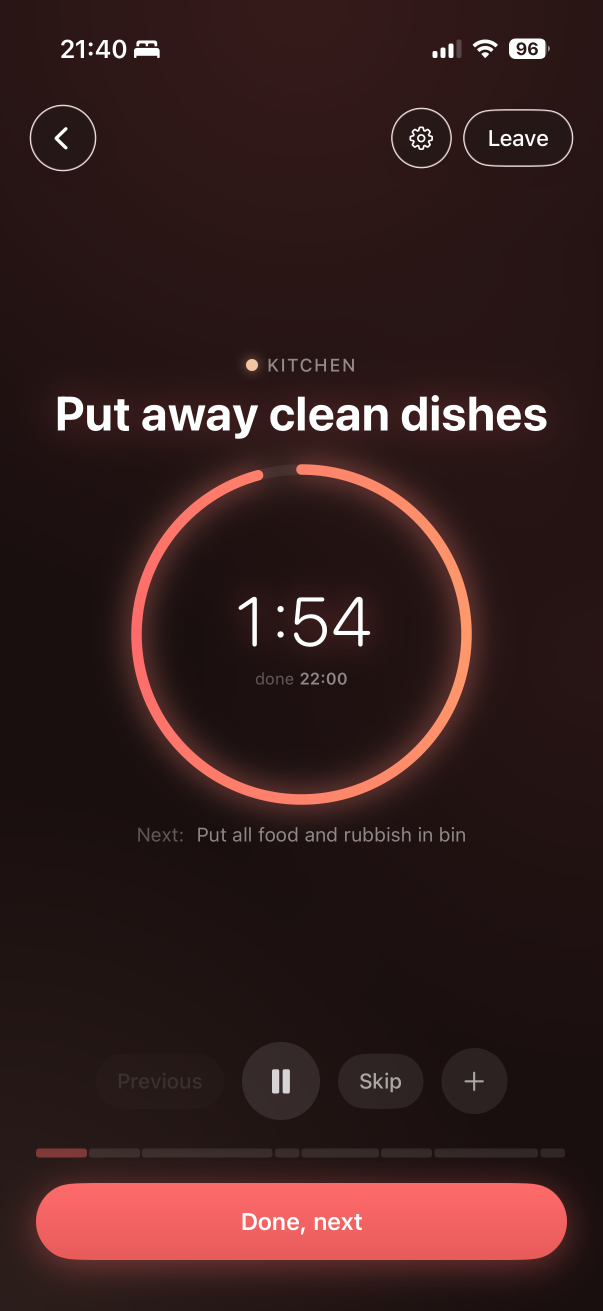
Point the camera. Briskly builds a timed task list on your phone. You do not have to decide where to start.
Scan the mess. Get a timed list. Clean like the door buzzer is already warming up. No chore chart. Just done.
You do not need a weekly schedule. You need a plan that fits in the gap between “on my way” and the knock.
Point the camera. Briskly builds a timed task list on your phone. You do not have to decide where to start.

Hit start. Short countdowns. Optional music. Keep moving until the flat looks like someone responsible lives here.

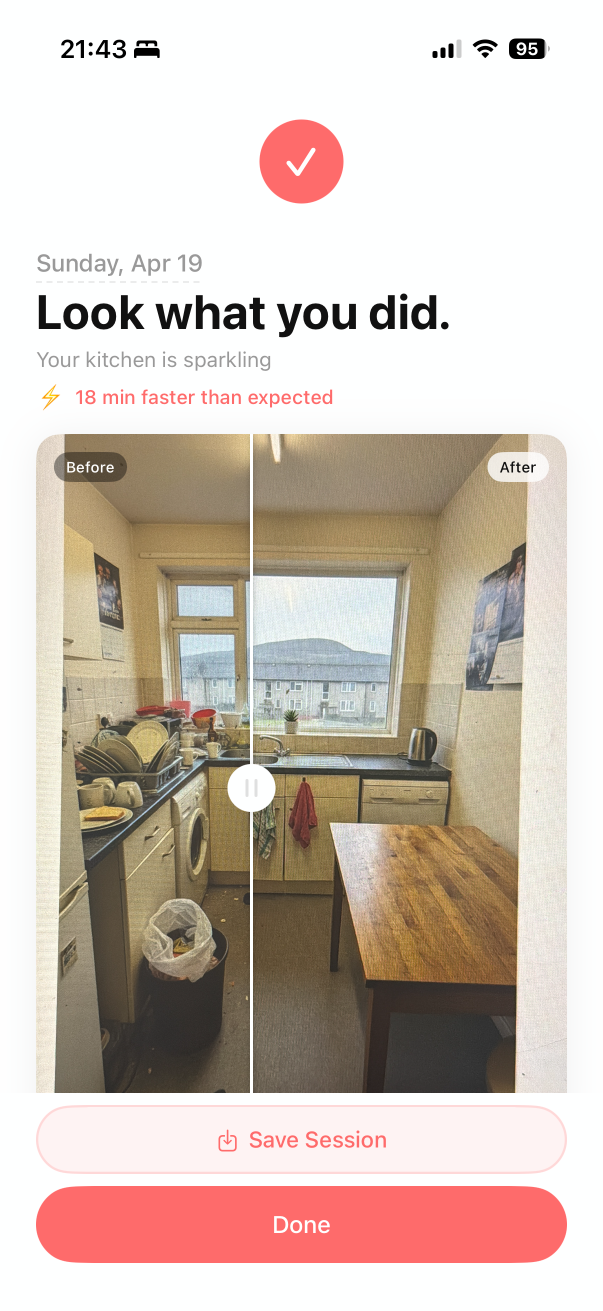
Take the after photo. Send the before and after to the group chat when you are ready to pretend this is normal.
The panic clean is not finished until the group chat has receipts. Swipe between the photos. Feel something. Post it.
Scanning runs on-device. No cloud AI looking at your kitchen. No account required. We made a cleaning app, not a surveillance tool.
Read the privacy policy → Done before you know it.
20 minutes. On-device. No account. Download Briskly before the next surprise visit.
Download on theApp Store